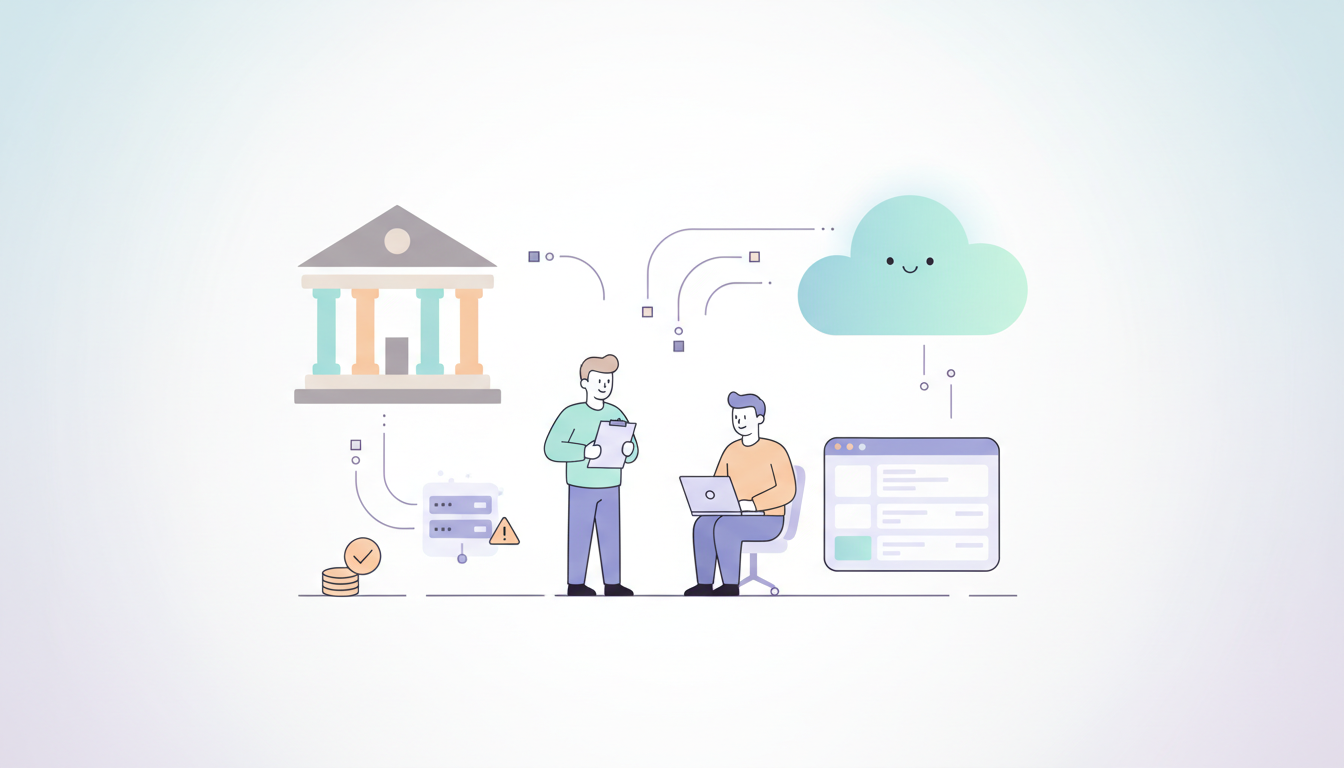
State and local government agencies face a difficult choice in 2026. Many departments still run on software and hardware from ten or twenty years ago. These systems are often called legacy systems. While it might seem cheaper to keep using what you already own, the truth is the opposite. Staying on old platforms is actually more expensive and more dangerous than moving to something new.
When an organization uses outdated technology, they pay a hidden tax every single day. This tax comes in the form of slow work, high repair bills, and the constant fear of a system crash. Modern platforms like Qlik Cloud have changed the math. Today, moving to the cloud is the safest way to protect public funds and keep services running for citizens.
The Real Price of Legacy Systems
Many leaders think that keeping an old system saves money because there is no new purchase price. However, the cost to keep an old system running grows every year. In 2026, the parts needed for old servers are hard to find. The power needed to run old data centers is expensive. Most importantly, the people who know how to fix these systems are retiring.
When the only person who knows how to fix a critical database leaves, the agency is in trouble. Hiring a specialized consultant to fix an old system can cost three times more than a modern staff member. This creates a situation where the government is spending more money just to stay in the same place.
Comparing Costs: Old vs. New
To understand why Qlik Cloud saves money, we have to look at where the money actually goes. Legacy systems have many “invisible” costs that do not show up on a single receipt.
Expense Category
Legacy On-Premise Systems
Qlik Cloud Modernization
Hardware
High costs for servers and cooling
Zero hardware costs
Maintenance
Constant manual patching and fixes
Automatic updates by Qlik
Staffing
Requires rare, expensive specialists
Uses standard modern data skills
Security
High risk of gaps in old software
Enterprise-grade cloud security
Speed
Days or weeks to get a new report
Minutes to see live data
As the table shows, the shift to Qlik Cloud removes the heavy lifting of physical hardware. This allows the budget to go toward actual data analysis instead of just keeping the machines plugged in.
The Risk of Technical Debt with Legacy Systems
Technical debt is a term for the work you skip today that you will have to pay for later with interest. For a local government, technical debt looks like a pile of old software that no longer talks to new programs. In 2026, data needs to move fast. If a city needs to track emergency response times or school budgets, they cannot wait for an old system to “crunch the numbers” overnight.
Old architecture is also a target for cyber attacks. Hackers look for old systems because they are easier to break into. A single security breach can cost a county millions of dollars in legal fees and recovery. When you look at it this way, the “free” old system is actually a massive financial liability.
The Danger of Knowledge Silos in Legacy Systems
A knowledge silo happens when only one or two people understand how a system works. In many state offices, the entire data process lives inside the head of one employee. If that person gets a new job or retires, the office loses its ability to function.
Qlik Cloud solves this by being easy to use and well-documented. It uses a simple interface that a new employee can learn in a few days. This means the agency is no longer held hostage by old, complicated code that nobody understands.
Why Qlik Cloud is the Right Choice in 2026
Qlik has spent years perfecting its cloud platform for the public sector. It is not just a tool for making charts. It is a complete system for managing data from start to finish. For a government agency, this means they can connect all their different departments into one view.
One of the biggest benefits is the ability to see data in real time. In the past, a state agency might only see their budget health once a month. With Qlik, they can see it every hour. This helps leaders make better choices before a small problem becomes a big, expensive disaster.
Simple Data Architecture
The way data moves in a modern system is much simpler than in the old days. Below is a basic look at how Qlik Cloud simplifies the journey of information.
Legacy Workflow (Complex and Slow): Old Database -> Manual Export -> Spreadsheet -> Email -> Manual Cleanup -> Old Reporting Tool -> Outdated Report
Qlik Cloud Workflow (Simple and Fast): All Data Sources -> Qlik Cloud Automated Integration -> Real-Time Dashboard -> Instant Insights for All Users
By removing the middle steps, the organization saves hundreds of hours of staff time every year. That time can be spent serving the public instead of fighting with spreadsheets.
Saving Money Through Efficiency
When a government moves to Qlik Cloud, the savings show up in several areas. First, the IT department no longer has to buy expensive servers every three years. Second, the software is always up to date, so there are no “surprise” upgrade fees.
Third, and most importantly, the agency becomes more efficient. If a department can find a way to save 5% on their energy bill or 10% on their supply chain because they have better data, that pays for the software many times over. This is why modernization is a smart financial move. It provides the “eyes” to see where money is being wasted across the whole organization.
Better Security for Less Effort
Security is a major concern for any government body. Keeping an old system secure requires constant manual work. You have to check for holes, apply patches, and monitor for intruders. Qlik Cloud handles all of this automatically. They have teams of experts whose only job is to keep the data safe. This gives local governments the same level of protection as a giant corporation without the giant price tag.
Taking the First Step Toward Modernization
Moving to the cloud does not have to happen all at once. Many successful organizations start with one department, like Finance or Public Works. Once they see how much time and money they save, they move the rest of the agency over.
The most important thing is to stop waiting. The risks of staying on legacy systems are growing every day. In 2026, the technology is ready, the security is proven, and the cost savings are clear.
If you want to learn more about how to start this journey, you can visit our services page to see how we help government groups transition to the cloud. You can also read about government data standards to see why modern architecture is now the requirement for public offices.
Conclusion: The Future is Modern
The goal of any state or local government is to serve the people well. It is hard to do that when you are held back by tools from the past. By choosing Qlik Cloud, agencies can lower their risks, support their people better, and save taxpayer money.
The transition away from legacy systems is not just a technical update. It is a way to make sure the government is ready for the challenges of the future. Don’t let outdated architecture drain your budget and slow down your mission. The move to a modern platform is the best investment a public leader can make in 2026.
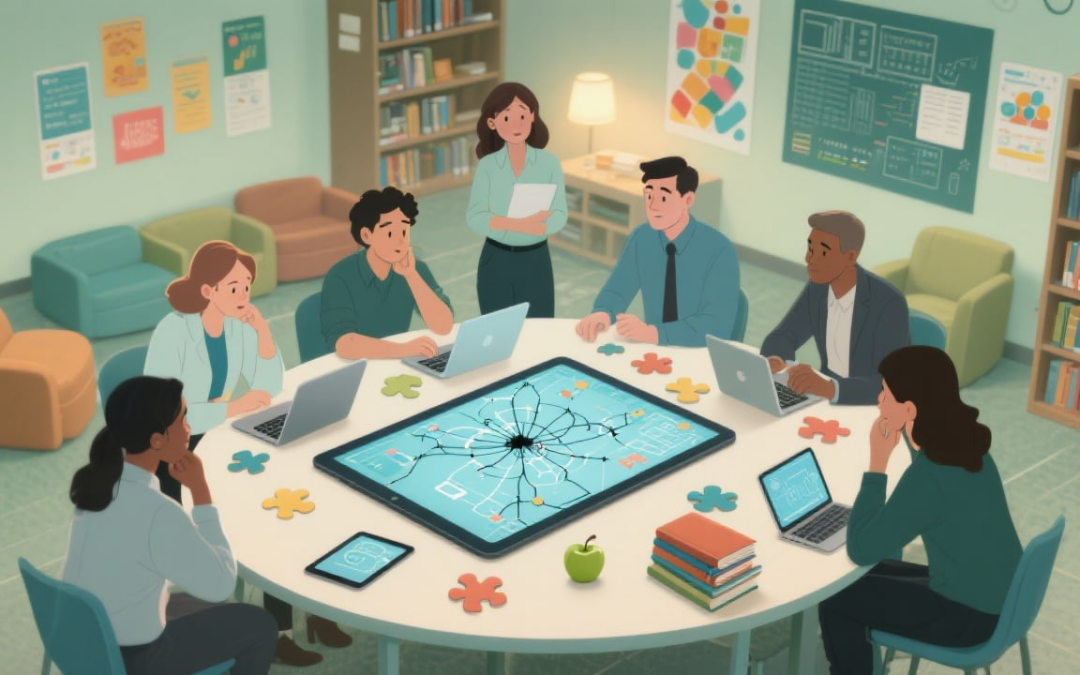
Schools and universities run on many systems—SIS, LMS, assessments, finance, alumni, and clinical programs. Without data integration, insight stays trapped, reports conflict, and decisions slow down. With the right data integration plan, these systems tell one story about students, programs, and resources.
Different definitions for attendance, course completion, or program status lead to “dueling dashboards.” Establishing common definitions, validation rules, and routine data quality checks aligns reports across campuses and terms. Governance gives everyone confidence in what the data means.
• Shared definitions and validation rules end report drift
• Routine quality checks catch errors before they spread
• Data lineage explains where numbers come from
3. Slow Financial Visibility
Funding, grants, tuition, purchasing, and budgeting often sit in separate systems, making reconciliation slow.
• Connect accounting, grants, procurement, and planning for one finance model
• Tie spend to objectives and refresh KPIs quickly
• Streamline audits with consistent structures and controls
Student, parent, faculty, and alumni surveys hold valuable signals, but mixed tools and formats make comparisons hard. Standardize surveys and join responses to SIS/LMS data. Suddenly, a shift in satisfaction aligns with schedule changes, program redesigns, or resource gaps, and action is clearer.
• Standardize instruments so results compare term to term
• Join surveys to SIS/LMS data to see cause and effect
• Track changes over time to inform program design
5. Clinical Programs Kept Apart
Nursing, medicine, and allied health track EHRs, clinic software, and simulation data separately from academics. Secure connectors merge clinical hours, competencies, and outcomes with the academic record. Education data integration shortens accreditation reporting and gives faculty a complete picture of progress.
• Secure connectors sync clinical hours, competencies, and outcomes
• Unified records show skills, progress, and accreditation evidence
• Faculty gain a complete view of each learner
6. Manual Work and Spreadsheet Stitching
Exports, copy‑paste, and one‑off scripts drain time and add risk. The payoff is faster cycles and fewer late-night fixes.
• Managed pipelines to replace ad hoc work
• Change data capture keeps apps current where freshness matters
• Documented schedules and runbooks reduce midnight fixes
7. Security and Governance Gaps
As systems connect, risks rise. Define stewards, publish data dictionaries, and track lineage from source to dashboard. Encrypt sensitive data, enforce least‑privilege access, and audit regularly. With governance embedded, integration becomes safe and repeatable rather than fragile.
• Assign stewards and publish a data dictionary
• Encrypt sensitive fields and enforce least‑privilege access
• Audit regularly; track lineage from source to dashboard
8. Choosing an Approach to Data Integration
Match patterns to needs rather than forcing a one‑size‑fits‑all solution.
ETL to Warehouse
Curated reporting, historical trends
Clean, conformed data
CDC/Event Streams
Operational syncs, near real-time
Low-latency updates
Data Virtualization
Fast access across sources
Minimal data movement
• Pilot a narrow use case, prove value, then scale
• Balance freshness, complexity, and cost
• Reuse standards and components across projects
How to Get Started with Data Integration
Map today’s flows, agree on shared definitions, and pick one high‑value pilot—unify SIS and LMS for early alerts, or connect finance for grant tracking. Build with maintainability in mind, train the team, and expand to the next priority. When you’re ready, we’re here to help.
Most businesses run on three core systems: ERP for operations, CRM for customers, and BI for insights. Without ERP, CRM, and BI Data Integration, data gets trapped in silos and critical context is lost. Effective data integration connects these systems so information flows in real time, reducing manual work and errors. When your tools share a single source of truth, teams make faster, smarter decisions and deliver a smoother customer experience. This is how you turn disconnected activity into coordinated growth.
Picture this: Your sales team closes a big deal in the CRM, but your warehouse doesn’t know about it until someone manually updates the ERP. Meanwhile, your BI dashboard shows last week’s numbers because it can’t pull real-time data from either system.
Sound familiar? Here’s what data silos are costing you:
• Duplicate work and manual data entry
• Inconsistent reports across departments
• Delayed decisions based on outdated information
• Frustrated teams working with incomplete data
• Missed opportunities to serve customers better
This fragmented approach doesn’t just waste time—it actively hurts your ability to compete and grow.
Operational Excellence: When Data Integration Works Together
Imagine a different scenario. A customer places an order through your sales team, and instantly:
• Inventory levels update automatically in your ERP
• Production schedules adjust if needed
• Shipping timelines appear in real-time
• Customer service gets full order visibility
• Finance sees revenue impact immediately
This isn’t wishful thinking—it’s what happens when your systems are properly integrated. The result? Smoother operations, fewer errors, and teams that can focus on strategy instead of data entry.
When your CRM and ERP share data, something powerful happens—you see the complete customer story:
CRM Data
ERP Data
Combined Insight
Sales interactions
Order history
Customer buying patterns
Marketing campaigns
Shipping details
Campaign effectiveness
Service tickets
Payment history
Customer satisfaction drivers
Lead sources
Product preferences
Best acquisition channels
This unified view lets your team:
• Personalize every customer interaction
• Predict what customers need before they ask
• Identify upselling and cross-selling opportunities
• Resolve issues faster with complete context
Strategic Decisions: BI That Actually Works
Your BI tools are only as good as the data they can access. When connected to integrated ERP and CRM data, your dashboards transform from pretty charts into strategic weapons:
• Track real-time KPIs across all departments
• Spot trends before your competitors do
• Measure the true impact of marketing campaigns
• Understand which customers drive the most profit
• Make decisions based on complete, accurate data
For example, integrated data might reveal that customers acquired through social media campaigns have 40% higher lifetime value—but only if they purchase within their first 30 days. That’s the kind of insight that drives real business growth.
Making Data Integration Happen
Getting your systems to work together doesn’t have to be overwhelming. Here’s how successful organizations approach it:
Assessment & Planning
Start by mapping your current data flows and identifying the biggest pain points. Where are teams spending the most time on manual work? Which decisions are delayed by missing data?
Choose Your Integration Approach
Native integrations: Use built-in connections when available
Middleware solutions: Deploy integration platforms for complex scenarios
Modern data platforms: Leverage cloud-based tools for scalability
Focus on Business Value
Don’t integrate everything at once. Start with the connections that will have the biggest impact on your operations, customer experience, or decision-making.
Need help getting started? Contact our team to discuss your integration strategy.
The Bottom Line for Data Integration
Breaking down data silos isn’t just about technology—it’s about unlocking your organization’s potential. When your ERP, CRM, and BI tools work together, you get:
Faster operations with automated data flows
Happier customers through personalized experiences
Smarter decisions based on complete information
Competitive advantage through data-driven insights
The question isn’t whether you can afford to integrate your systems—it’s whether you can afford not to. Start your integration journey today and discover what your data can really do.
About Blog
Arc Analytics is a full-service data analytics and integration consultancy based in Charlotte, NC, USA, specializing in the Qlik platform. Browse the posts below for practical Qlik tips, migration guidance, and real-world use cases from our consulting work.